NES
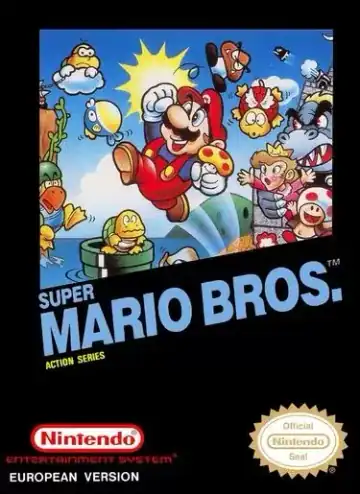
Super Mario Bros
Platformer1985
Super Mario Bros
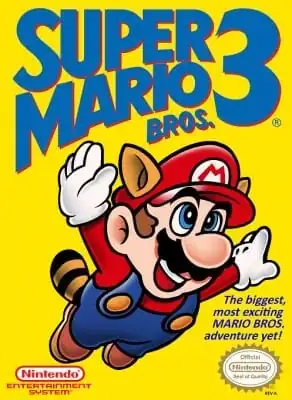
Super Mario Bros. 3
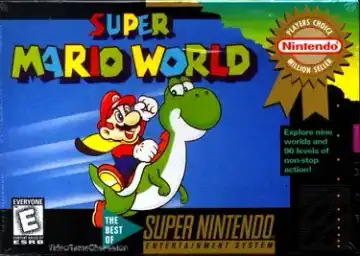
Super Mario World
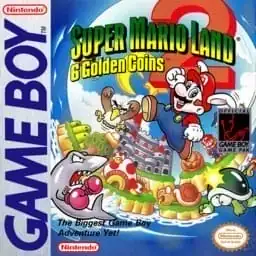
Super Mario Land 2: 6 Golden Coins
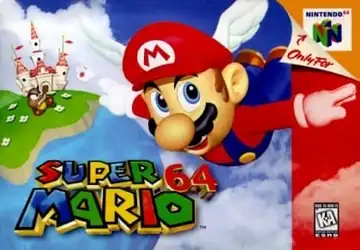
Super Mario 64
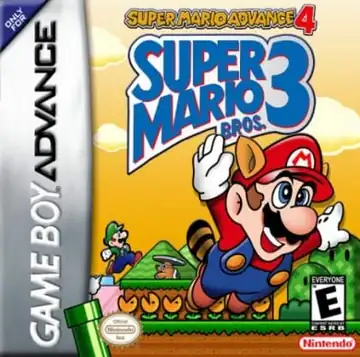
Super Mario Advance 4: Super Mario Bros. 3
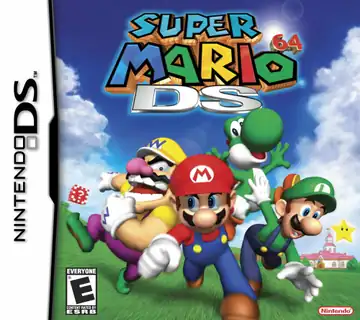
Super Mario 64 DS
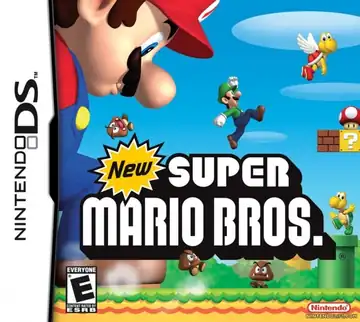
New Super Mario Bros.
Games to try
Pick a game and press Start Game. No app to install.
Browse games by console or name. Each game page has a short introduction, controls, and a play button.
Pick a console to see its games
Kart racing, Mario Party, Paper Mario, Yoshi, Wario Land, and puzzle spin-offs
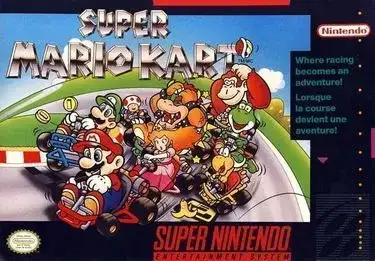
Super Mario Kart
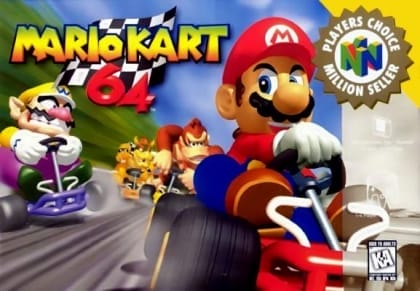
Mario Kart 64
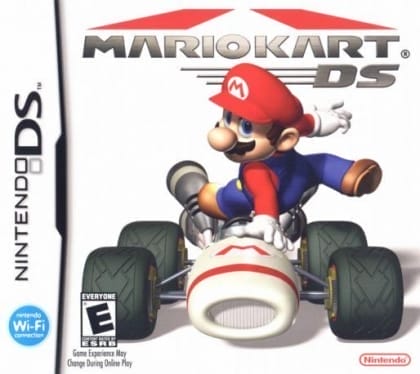
Mario Kart DS
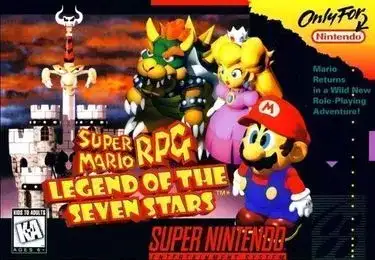
Super Mario RPG: Legend of the Seven Stars
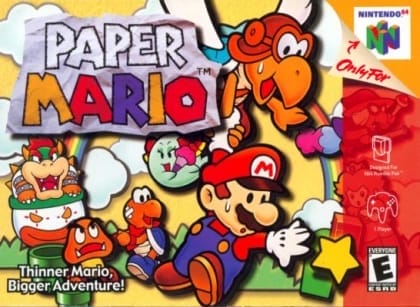
Paper Mario
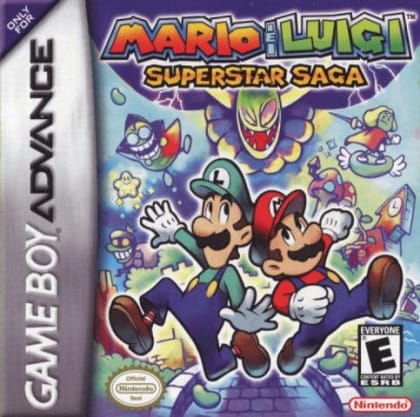
Mario & Luigi: Superstar Saga
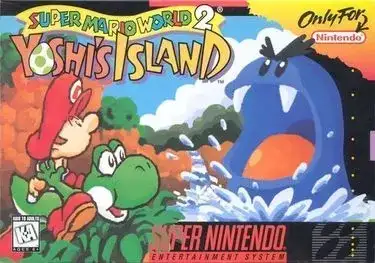
Super Mario World 2: Yoshi's Island
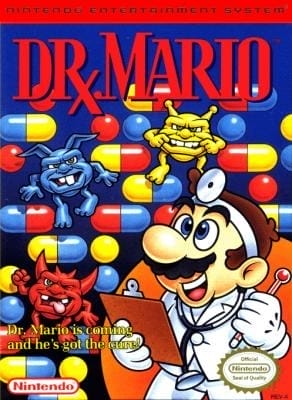
Dr. Mario
Open a game page and press Start Game.
Use save states to pick up where you left off when the game supports them.
Use the on-screen buttons in a supported mobile browser.
You can start playing without an account.
Choose a game, read the controls, and press Start Game on its page. You do not need to install a separate app.
You can use a keyboard or a compatible gamepad. On mobile, try the on-screen buttons. Save states and fullscreen are available when the player supports them.
Browse NES, SNES, Nintendo 64, Game Boy, Game Boy Advance, Nintendo DS, and more. Open a console page to see its games.
Yes. Every title on EmulatorMario runs directly in your browser via open-source EmulatorJS WebAssembly cores. Pick a console or game, press Start Game in the player, and start playing immediately without creating an account.
Progress is stored locally in your browser using both in-game SRAM/battery saves (where supported by the cartridge) and quick Save State / Load State snapshots right on the player toolbar.
You can browse 56 titles spanning 9 retro systems: NES, Famicom Disk System (FDS), Super Nintendo (SNES), Game Boy, Virtual Boy, Nintendo 64, Game Boy Advance, Nintendo DS, and PC Engine—covering mainline platformers, Mario Kart, Mario Party, RPGs, sports, and puzzle classics.
EmulatorMario works on Windows, macOS, Linux, iOS, and Android using modern Chrome, Edge, Firefox, or Safari. You can use a keyboard, plug in a USB/Bluetooth controller, or use touch buttons on mobile; 3D N64 and NDS games run smoothest on desktop or newer devices with hardware acceleration enabled.