N64
Super Mario 64
Platformer1996
Nintendo 64
Nintendo 64
Camelot
2000
Sports
4 players
Press Start Game in the player above to load the game. You can play with a keyboard, a compatible gamepad, or mobile touch controls.
Controls
Arrow Keys or WASD (Analog Stick / C-Buttons), Z/X (A/B), Start (Enter), plus Z-trigger and L/R shoulder buttons—see or remap exact bindings inside the player gear/gamepad menu.
Gamepad: connect a controller and check the button settings in the player.
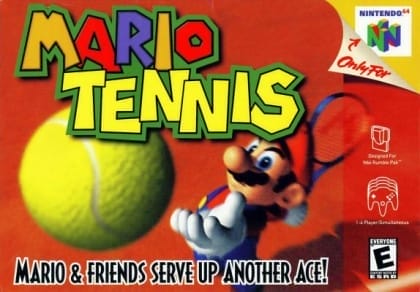
Fast-paced arcade court action from Camelot featuring 14 playable Mario universe characters—including Waluigi’s debut. Combine topspins, slices, lobs, drop shots, and charged smashes across grass, clay, and specialty courts in singles or doubles Tournaments, Ring Shot, Piranha Challenge, and Bowser Stage.
Nintendo 64 3D emulation uses more CPU/GPU power than 2D consoles. Use a desktop browser with hardware acceleration enabled for the best frame rate and audio sync.
Play Mario Tennis in your browser. Check the controls below before you start.
Released in 2000 for Nintendo 64. Developer: Camelot. Genre: Sports.
Press Start Game to load Mario Tennis. If it runs slowly, try another browser or device.
Yes. Mario Tennis loads directly in your browser on this page through EmulatorJS for Nintendo 64. Just press Start Game in the player above—no downloads or registration needed.
You can keep your progress using Mario Tennis’s built-in save feature (when supported by the original release) or by clicking Save State and Load State in the player toolbar.
Yes. You can play Mario Tennis using a desktop keyboard, connect a compatible USB or Bluetooth controller, or use the on-screen buttons on phones and tablets. All key mappings can be adjusted in the player settings.
Mario Tennis (Nintendo 64) supports up to 4 players. Any up-to-date Chrome, Edge, Firefox, or Safari browser works; enabling hardware acceleration helps 3D consoles run more smoothly.