GBA
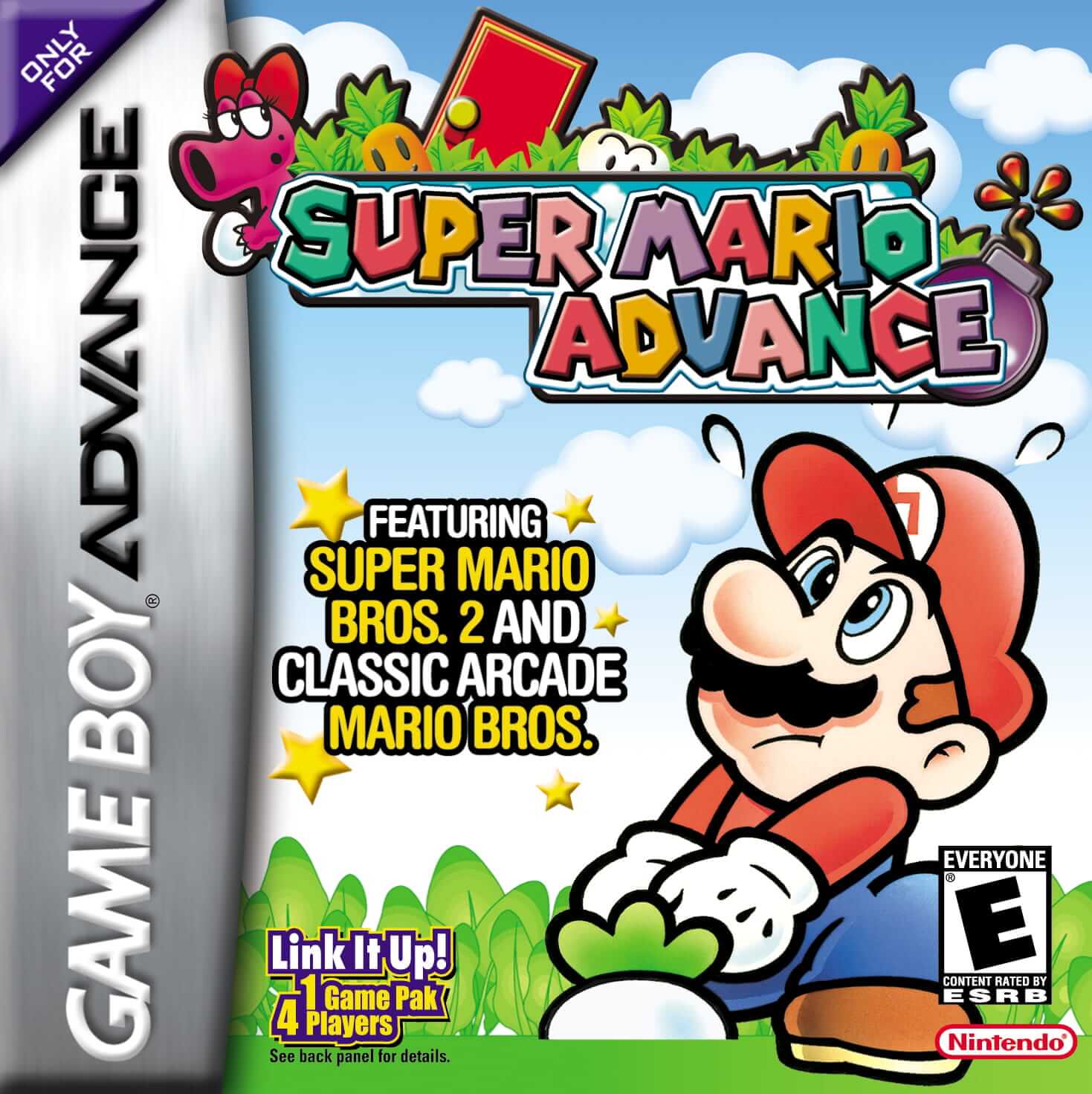
Super Mario Advance
Platformer2001
Game Boy Advance
Game Boy Advance
Nintendo
2004
Puzzle
1 player
Press Start Game in the player above to load the game. You can play with a keyboard, a compatible gamepad, or mobile touch controls.
Controls
Arrow Keys (D-Pad), Z (A), X (B), Q/E or A/S (L/R shoulder buttons), Enter (Start), Shift (Select). Supports both keyboard and USB/Bluetooth gamepads.
Gamepad: connect a controller and check the button settings in the player.
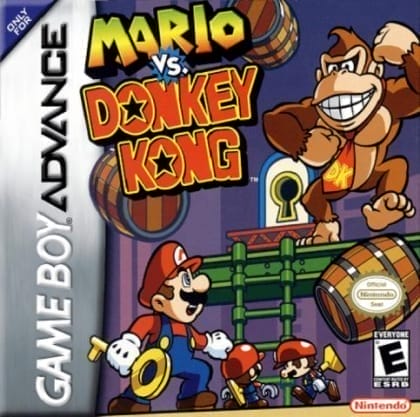
Mario vs. Donkey Kong is a puzzle platformer where Mario must retrieve Mini-Mario toys that Donkey Kong has stolen. The game combines elements of the original Donkey Kong arcade game with new puzzle mechanics.
Game Boy Advance entries pair 16-bit handheld visuals with crisp L/R shoulder controls and built-in cartridge save support for Mario & Luigi, Mario Kart, and Advance remakes.
Play Mario vs. Donkey Kong in your browser. Check the controls below before you start.
Released in 2004 for Game Boy Advance. Developer: Nintendo. Genre: Puzzle.
Press Start Game to load Mario vs. Donkey Kong. If it runs slowly, try another browser or device.
Yes. Mario vs. Donkey Kong loads directly in your browser on this page through EmulatorJS for Game Boy Advance. Just press Start Game in the player above—no downloads or registration needed.
You can keep your progress using Mario vs. Donkey Kong’s built-in save feature (when supported by the original release) or by clicking Save State and Load State in the player toolbar.
Yes. You can play Mario vs. Donkey Kong using a desktop keyboard, connect a compatible USB or Bluetooth controller, or use the on-screen buttons on phones and tablets. All key mappings can be adjusted in the player settings.
Mario vs. Donkey Kong (Game Boy Advance) supports up to 1 player. Any up-to-date Chrome, Edge, Firefox, or Safari browser works; enabling hardware acceleration helps 3D consoles run more smoothly.
Super Mario Advance
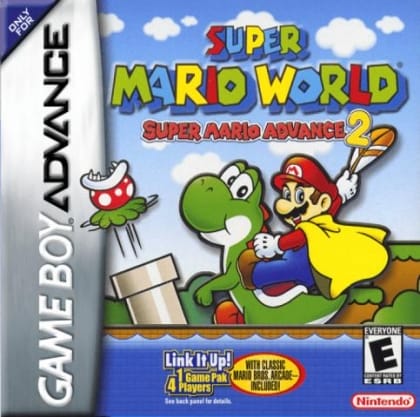
Super Mario World: Super Mario Advance 2
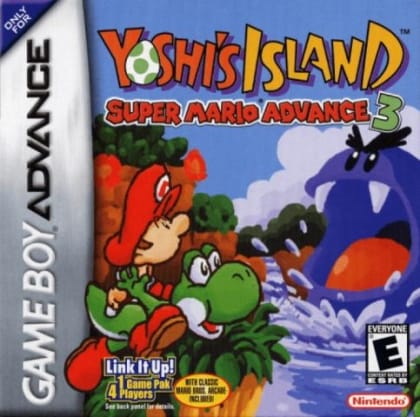
Super Mario Advance 3: Yoshi's Island
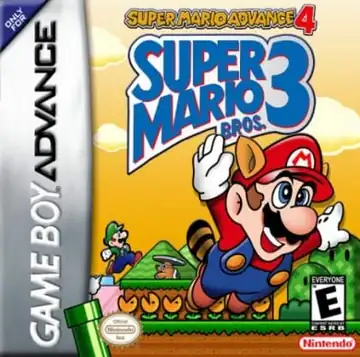
Super Mario Advance 4: Super Mario Bros. 3
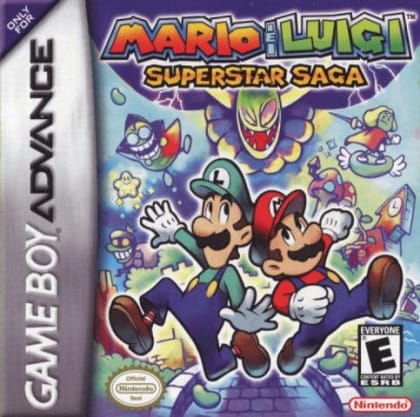
Mario & Luigi: Superstar Saga
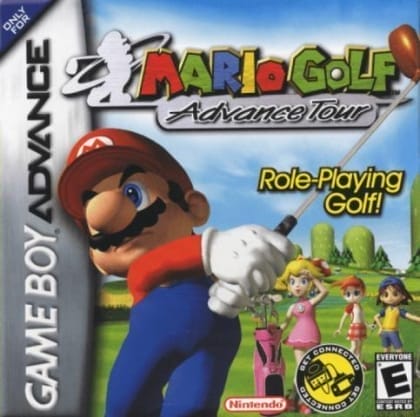
Mario Golf: Advance Tour
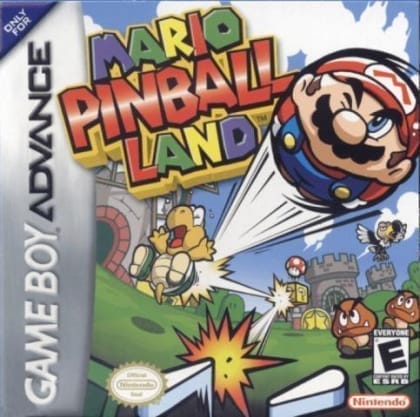
Mario Pinball Land
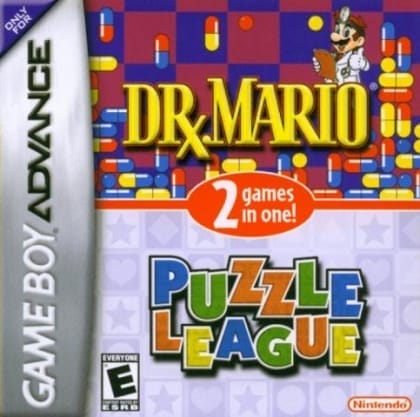
Dr. Mario & Puzzle League