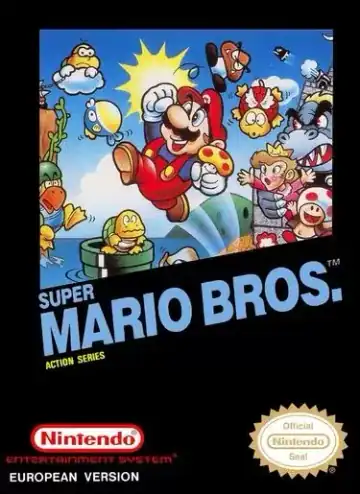
NES
Super Mario Bros
Platformer1985
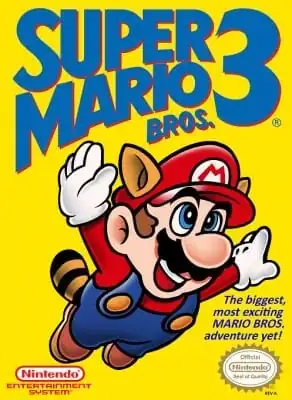
Nintendo Entertainment System
Nintendo Entertainment System
Nintendo
1988
Platformer
2 players
Press Start Game in the player above to load the game. You can play with a keyboard, a compatible gamepad, or mobile touch controls.
Controls
Arrow Keys (D-Pad), Z (A / Jump), X (B / Run or Fireball), Enter (Start), Shift (Select). Customize keys via the controller icon.
Gamepad: connect a controller and check the button settings in the player.
Super Mario Bros. 3 is a platform video game developed and published by Nintendo for the Nintendo Entertainment System. It was released for the Famicom in Japan in 1988 and for the NES in North America in 1990. The game follows Mario and Luigi as they travel across eight worlds to restore order to the Mushroom World and rescue Princess Toadstool from Bowser. Featuring new power-ups like the Super Leaf and Tanooki Suit.
NES titles run at lightweight 8-bit speed in almost any browser. In platformers, hold B to sprint and jump farther; save states are handy before late-world castles.
Play Super Mario Bros. 3 in your browser. Check the controls below before you start.
Released in 1988 for Nintendo Entertainment System. Developer: Nintendo. Genre: Platformer.
Press Start Game to load Super Mario Bros. 3. If it runs slowly, try another browser or device.
Yes. Super Mario Bros. 3 loads directly in your browser on this page through EmulatorJS for Nintendo Entertainment System. Just press Start Game in the player above—no downloads or registration needed.
You can keep your progress using Super Mario Bros. 3’s built-in save feature (when supported by the original release) or by clicking Save State and Load State in the player toolbar.
Yes. You can play Super Mario Bros. 3 using a desktop keyboard, connect a compatible USB or Bluetooth controller, or use the on-screen buttons on phones and tablets. All key mappings can be adjusted in the player settings.
Super Mario Bros. 3 (Nintendo Entertainment System) supports up to 2 players. Any up-to-date Chrome, Edge, Firefox, or Safari browser works; enabling hardware acceleration helps 3D consoles run more smoothly.
Super Mario Bros
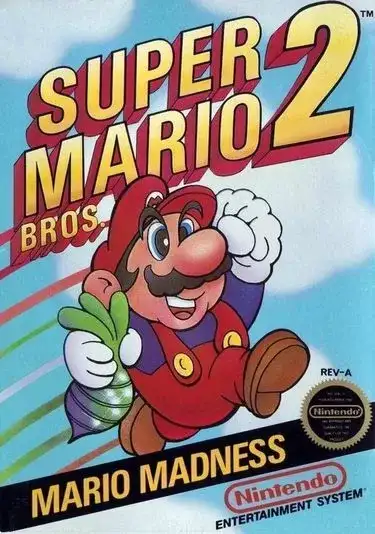
Super Mario Bros 2
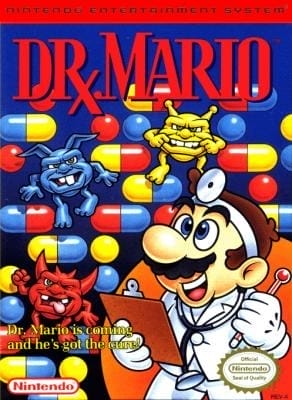
Dr. Mario
Super Mario Bros.: The Lost Levels (NES)
All Night Nippon Super Mario Bros.
Super Mario Bros. 2 (FDS)
Super Mario World
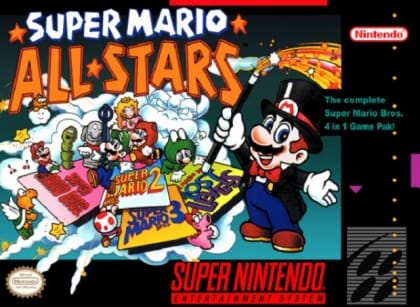
Super Mario All-Stars