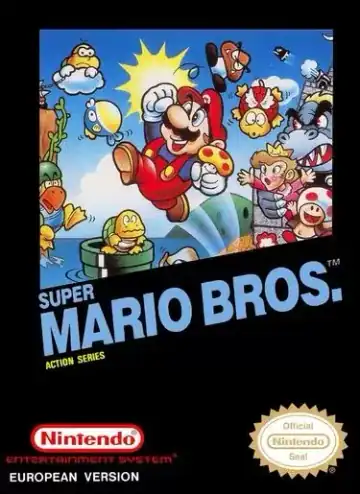
NES
Super Mario Bros
Platformer1985
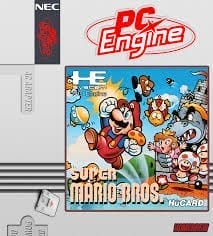
PC Engine / TurboGrafx-16
PC Engine / TurboGrafx-16
Unlicensed
1993
Platformer
1 player
Press Start Game in the player above to load the game. You can play with a keyboard, a compatible gamepad, or mobile touch controls.
Controls
Arrow Keys (D-Pad), Z/X (Run / II and I buttons), Enter (Run), Shift (Select). Lightweight keyboard controls mirror classic 2-button play.
Gamepad: connect a controller and check the button settings in the player.
An unofficial community homebrew port bringing the 1985 NES classic Super Mario Bros. onto PC Engine / TurboGrafx-16 hardware. Engineered by enthusiasts as a technical tribute, it recreates the iconic Mushroom Kingdom stages, enemy patterns, power-ups, and music on different 8/16-bit architecture.
PC Engine / TurboGrafx-16 hosts fast 8/16-bit homebrew recreations with responsive controls and minimal system overhead across desktop and mobile browsers.
Play Super Mario Bros. (PCE) in your browser. Check the controls below before you start.
Released in 1993 for PC Engine / TurboGrafx-16. Developer: Unlicensed. Genre: Platformer.
Press Start Game to load Super Mario Bros. (PCE). If it runs slowly, try another browser or device.
Yes. Super Mario Bros. (PCE) loads directly in your browser on this page through EmulatorJS for PC Engine / TurboGrafx-16. Just press Start Game in the player above—no downloads or registration needed.
You can keep your progress using Super Mario Bros. (PCE)’s built-in save feature (when supported by the original release) or by clicking Save State and Load State in the player toolbar.
Yes. You can play Super Mario Bros. (PCE) using a desktop keyboard, connect a compatible USB or Bluetooth controller, or use the on-screen buttons on phones and tablets. All key mappings can be adjusted in the player settings.
Super Mario Bros. (PCE) (PC Engine / TurboGrafx-16) supports up to 1 player. Any up-to-date Chrome, Edge, Firefox, or Safari browser works; enabling hardware acceleration helps 3D consoles run more smoothly.
Super Mario Bros
Super Mario Bros 2
Super Mario Bros. 3
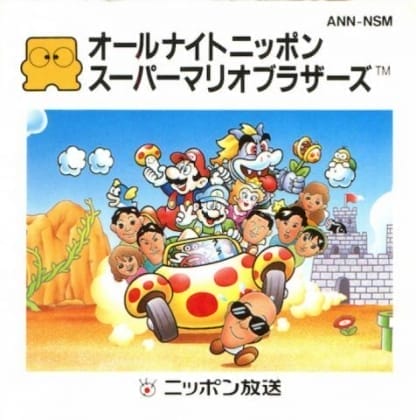
All Night Nippon Super Mario Bros.
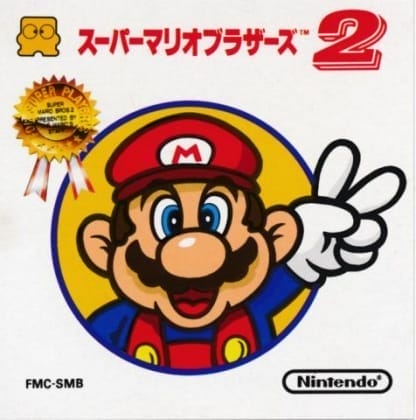
Super Mario Bros. 2 (FDS)
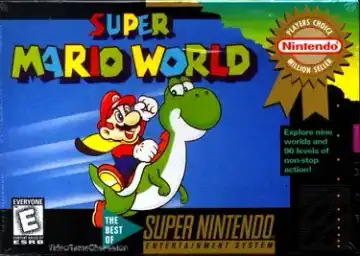
Super Mario World
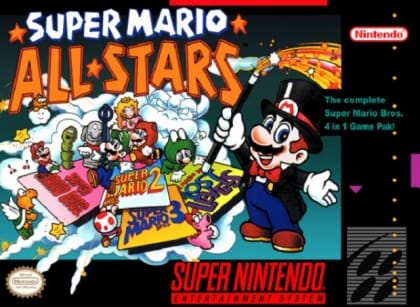
Super Mario All-Stars
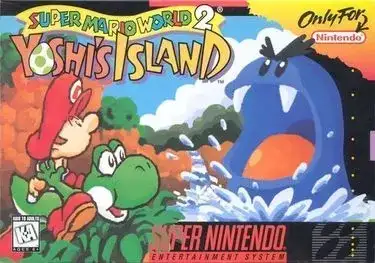
Super Mario World 2: Yoshi's Island