VB
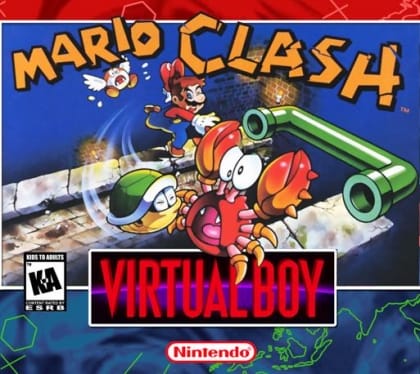
Mario Clash
Platformer1995
Virtual Boy
Virtual Boy
Nintendo
1995
Sports
1 player
Press Start Game in the player above to load the game. You can play with a keyboard, a compatible gamepad, or mobile touch controls.
Controls
Arrow Keys (Left D-Pad), action keys (A/B), shoulder triggers (L/R), and Start/Select. Palette and stereo depth options can be tuned in player settings.
Gamepad: connect a controller and check the button settings in the player.
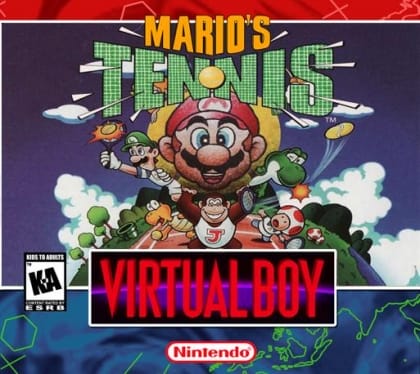
Mario's Tennis is a tennis video game for the Virtual Boy. It was a pack-in game for the system and features various Mario characters. The 3D effect was used to add depth to the tennis court.
Virtual Boy titles natively render two-plane depth layers. Open the EmulatorJS core options if you prefer a neutral grayscale palette instead of classic red-and-black.
Play Mario's Tennis in your browser. Check the controls below before you start.
Released in 1995 for Virtual Boy. Developer: Nintendo. Genre: Sports.
Press Start Game to load Mario's Tennis. If it runs slowly, try another browser or device.
Yes. Mario's Tennis loads directly in your browser on this page through EmulatorJS for Virtual Boy. Just press Start Game in the player above—no downloads or registration needed.
You can keep your progress using Mario's Tennis’s built-in save feature (when supported by the original release) or by clicking Save State and Load State in the player toolbar.
Yes. You can play Mario's Tennis using a desktop keyboard, connect a compatible USB or Bluetooth controller, or use the on-screen buttons on phones and tablets. All key mappings can be adjusted in the player settings.
Mario's Tennis (Virtual Boy) supports up to 1 player. Any up-to-date Chrome, Edge, Firefox, or Safari browser works; enabling hardware acceleration helps 3D consoles run more smoothly.